Baseline Patterns
“WCAG 2 compliant patterns with web standards”
Looking at the markup of popular component libraries in DevTools, one gets the impression that even simple components require very complex markup structures. This is probably because these libraries rely on div or span elements without HTML semantics with aria attributes. In addition, the components were written in specific frameworks and little attention was paid to web standards, or these did not yet have broad browser support at the time of initial implementation.
But that doesn’t have to be the case anymore! In the baselineweb/patterns repository, I have implemented and compiled some patterns with best practices for semantics and accessibility that also rely on very modern (and yet very sustainable) web standard APIs.
The result: minimal code that is easier to extend. Native execution in the browser makes performance unbeatable. It also reduces the time required for implementation and maintenance, as there is no need to add dependencies that require continuous updates. Because web standards and semantics are natively supported in the browser, the code remains compatible for much longer than component libraries written in specific frameworks. I can’t think of any disadvantages, so I recommend using the patterns without restriction if compatibility for the corresponding native browser features is given in all supported browser versions.
Demo
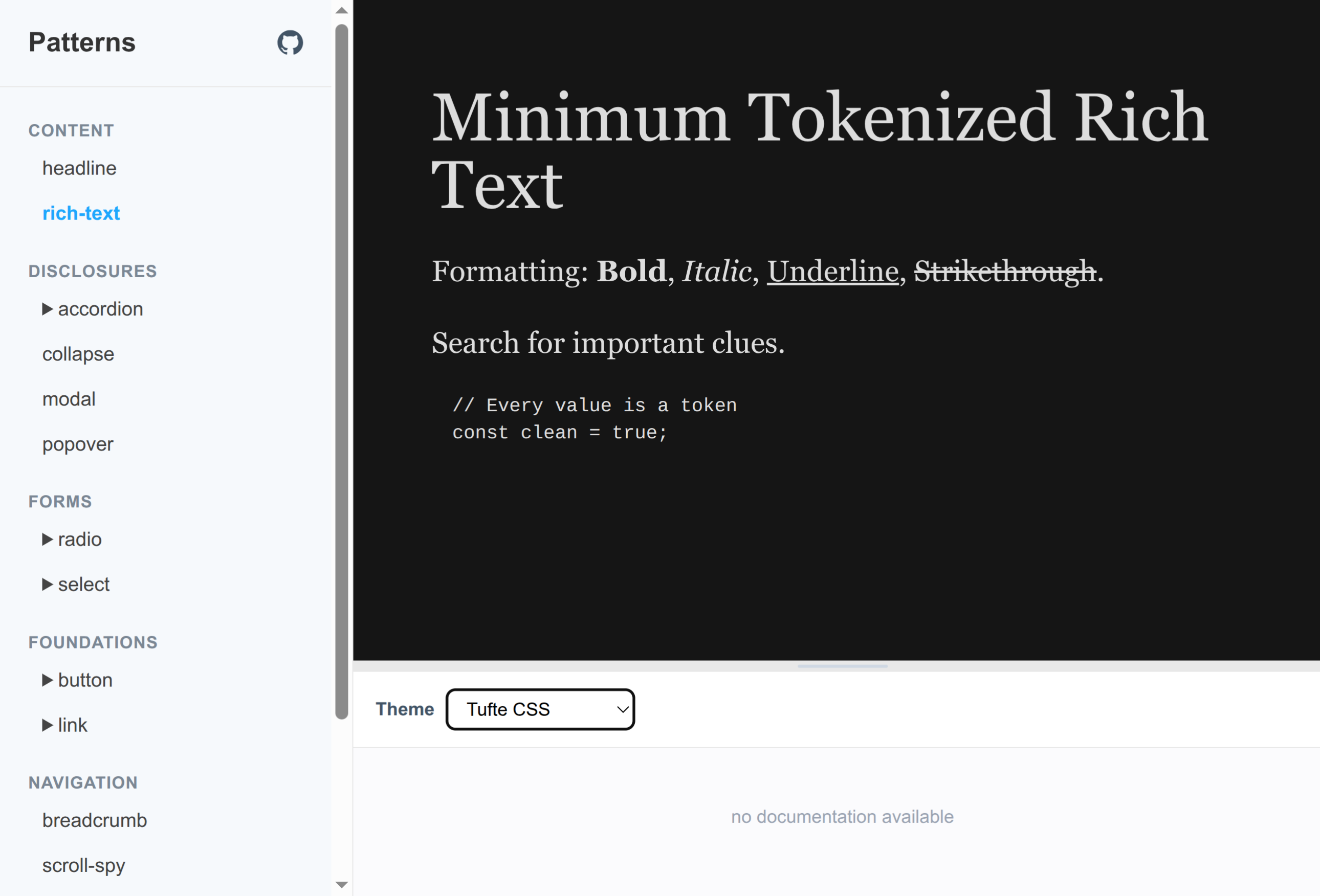
On the baselineweb/patterns Github Page, the existing, minimally styled patterns can be viewed as headless components in an overview.
From pattern to component
To generate a component from the patterns contained in the baselineweb/patterns repository, use the desired pattern as the basis for implementing the component by copying and pasting it. Alternatively, you can feed an LLM in the coding agent of your choice with the corresponding patterns as a basis. If you include a screenshot or a design file in the coding or prompt (using MCP) during the component implementation process, you can quickly and easily create highly flexible, high-performance components that can also be adapted precisely to the desired user interface or user experience design using CSS. Once the components are in productive use, they only need to be revisited during the next design relaunch, as native web standards remain compatible over very long periods of time.
Translated with DeepL.com (free version)